Top 10 Best Phishing Simulation Tools In 2026
Do you know what the Top 10 Best Phishing Simulation Tools are in 2026? If not, then you really need to know about it professionally. Here, we will talk about some of the best phishing simulation tools helping users protect themselves against future phishing attacks. Let’s explore the world of phishing and phishing attacks!
What Is a Phishing Simulation Tool?
A phishing simulation tool is a customized software platform that companies use to evaluate employees' security awareness and reporting practices by sending them safe, regulated "fake" phishing emails.
In addition to automatically providing "just-in-time" training content to users who interact with a simulated threat, it offers a risk-free environment for identifying vulnerable users through comprehensive analytics.
By imitating contemporary attack vectors such as $MFA$ bypass or AI-generated lures, these technologies assist in turning workers from possible security risks into an aware, proactive "human firewall." Let’s take a look at the Top 10 Best Phishing Simula tion Tools In 2026!
Top Picks For Phishing Simulation Platforms In 2026
|
S.No. |
Tool |
Best For |
Customer Reviews |
Standout Strength |
Training Style |
Integrations/ Fit |
Ideal Org Fit |
|
1. |
PhishNext (by Craw Security) |
Advanced Phishing Simulation |
4.8 (Based on 15+ industry-specific ratings) |
AI-driven threat detection + "Just-in-Time" training |
Practical simulations with instant feedback |
Seamless integration with common email gateways and SIEM tools |
Small Business → Global Enterprise |
|
2. |
KnowBe4 |
Best Overall |
4.7 (23 reviews) |
Deep awareness ecosystem + strong reporting |
Adaptive learning paths |
Microsoft 365 / Google Workspace environments |
SMB → Enterprise |
|
3. |
IRONSCALES |
AI Automation |
4.7 (7 reviews) |
Behavior-aware, AI-varied simulations |
Auto follow-ups/ moments |
Cloud email tenants |
Mid → Enterprise |
|
4. |
Phished AI |
Risk Scoring |
4.5 (26 reviews) |
Employee risk scoring + predictive analytics |
Personalized remediation |
Leadership-driven risk measurement |
Mid → Enterprise |
|
5. |
Proofpoint SAT |
Employee Training |
NA |
Structured training workflows + user insight |
Teachable moments |
Formal learning programs |
Mid → Enterprise |
|
6. |
Defendify |
Small Teams |
5.0 (1 review) |
Low-overhead post-fail coaching |
Spot training |
Lean IT/ security, teams |
SMB |
|
7. |
Infosec IQ |
Template Variety |
4.0 (1 review) |
Broad, rotating phishing themes |
Micro-lessons |
Multi-department targeting |
SMB → Enterprise |
|
8. |
PhishingBox |
Security Teams |
4.7 (31 reviews) |
Directory-aligned targeting |
Marketplace add-ons |
LDAP / AD environments |
Mid → Enterprise |
|
9. |
Usecure uPhish |
Fast Deployment |
4.7 (61 reviews) |
Rapid rollout + instant nudges |
Micro-training nudges |
Onboarding & quick launches |
SMB → Mid |
|
10. |
Security |
Behavioral Coaching |
5.0 (2 reviews) |
Psychology-led reinforcement |
Training moments |
Finance / HR / Ops teams |
SMB → Mid |
What Are the 10 Best Phishing Simulation Tools in 2026?
The following are the Top 10 Best Phishing Simulation Tools in 2026:1. PhishNext (by Craw Security):
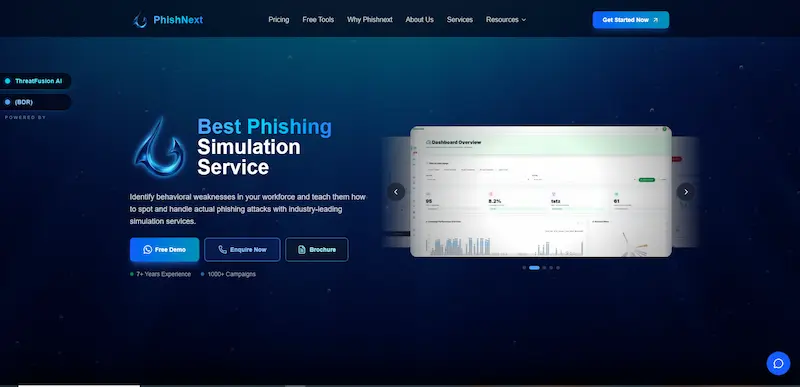
Craw Security created PhishNext, an AI-powered phishing simulation and security awareness platform, to evaluate organizational defenses via automated "Just-in-Time" employee training and realistic imitation attacks.
a) Pros:
● Hyper-Realistic Simulation Tech,
● Rapid Automated Onboarding, and
● Cost-Effective Scalability.
b) Cons:
● Smaller Content Library,
● Niche Market Presence, and
● Administrative Learning Curve.
c) Key Features:
● Just-in-Time (JIT) Training,
● AI-Driven Behavioral Analytics, and
● Advanced Threat Mimicry.
2. KnowBe4:
KnowBe4, the largest integrated platform for security awareness training and simulated phishing in the world, was created to assist businesses in managing the human aspect of cybersecurity by providing top-notch instructional materials and automated threat simulations.

a) Pros:
● World’s Largest Content Library,
● Highly Granular Reporting, and
● Extensive Automation & Integrations.
b) Cons:
● Complexity & Admin Overhead,
● Premium Pricing & Tiering, and
● Content Overload for Users.
c) Key Features:
● AIDA (Artificial Intelligence Defense Agent),
● PhishER Plus, and
● Compliance Plus.
3. IRONSCALES:
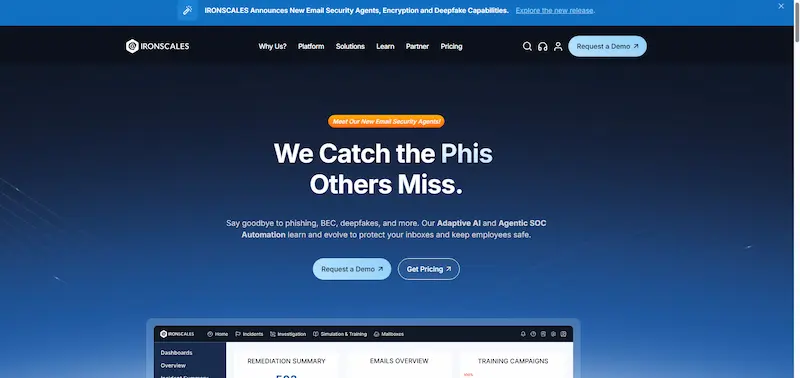
IRONSCALES is an AI-powered email security platform that uses integrated security awareness training and automated anti-phishing technologies to identify and eliminate threats right within the mailbox.
a) Pros:
● Direct API Integration,
● Automated Threat Remediation, and
● Visual Safety Guidance.
b) Cons:
● Training is a Secondary Focus,
● Pricing Complexity, and
● Higher False Positive Potential.
c) Key Features:
● Themis AI (Virtual SOC Analyst),
● Deepfake & Generative AI Protection, and
● 90-Day Scan Back.
4. Phished AI:
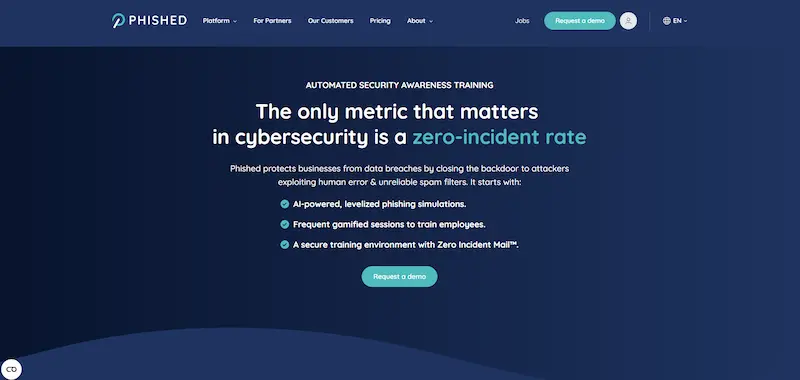
Using a proprietary algorithm, Phished AI is an automated, AI-driven security awareness platform that generates customized, localized, and hands-off training routes for each employee without the need for manual campaign management.
a) Pros:
● Zero-Admin Overhead,
● Highly Personalized Lures, and
● Holistic Risk Scoring (BRS).
b) Cons:
● Lack of Manual Control,
● Educational Content Depth, and
● Potential for "Algorithm Blindness".
c) Key Features:
● The Phished Academy,
● Predictive User Profiling, and
● Automated Multi-Channel Testing.
5. Proofpoint SAT:
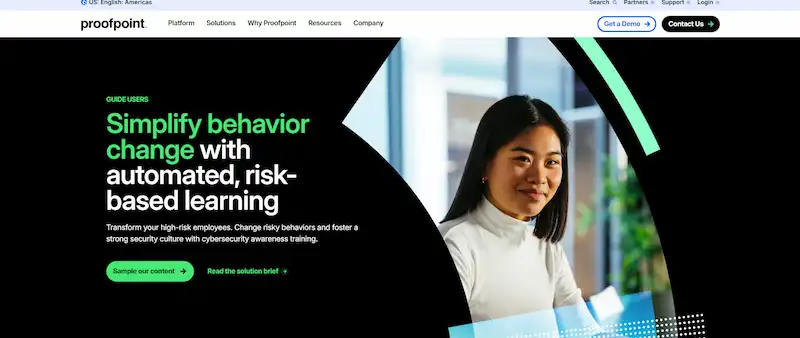
Proofpoint Security Awareness Training (SAT) is an enterprise-level learning platform that provides targeted, data-driven training to the particular users who are most likely to be attacked using real-world threat intelligence.
a) Pros:
● Threat-Driven Simulations,
● "Teachable Moments" Focus, and
● Ecosystem Integration.
b) Cons:
● Ecosystem Dependency,
● Premium Pricing, and
● Complex Administrative Interface.
c) Key Features:
● People Risk Explorer,
● PhishAlarm & PhishAlarm Analyzer, and
● Customization Center.6. Defendify:
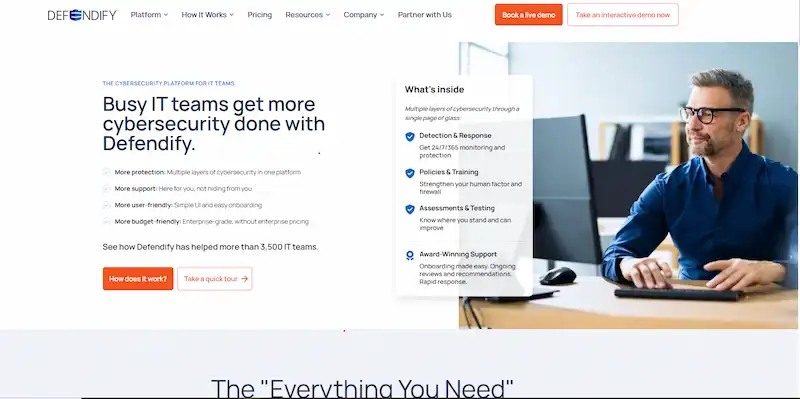
Specifically created for small-to-midsized organizations (SMBs), Defendify is an automated cybersecurity platform that combines several security layers, such as policy administration, scanning, and training, into a single, user-friendly dashboard.
a) Pros:
● True All-In-One Consolidation,
● Simplified Compliance Roadmaps, and
● High-Touch Expert Support.
b) Cons:
● "Jack of All Trades, Master of None",
● Lack of Advanced Granularity, and
● Potential Over-Subscription.
c) Key Features:
● The Cybersecurity Health Check,
● Ethical Hacking & Scanning Suite, and
● Managed Incident Response (IR) Plans.7. Infosec IQ:
The Infosec Institute's complete security awareness and training platform, Infosec IQ, focuses on role-based education and tailored learning to assist enterprises in changing dangerous employee behaviors.

a) Pros:
● Exceptional Educational Pedigree,
● Role-Based Training Paths, and
● Strong Customer Support.
b) Cons:
● Interface Can Feel "Clunky",
● Reporting Complexity, and
● Lower Brand Recognition.
c) Key Features:
● Choose Your Own Adventure® Games,
● PhishSim & AwareEd Integration, and
● NIST-Mapped Content.8. PhishingBox:
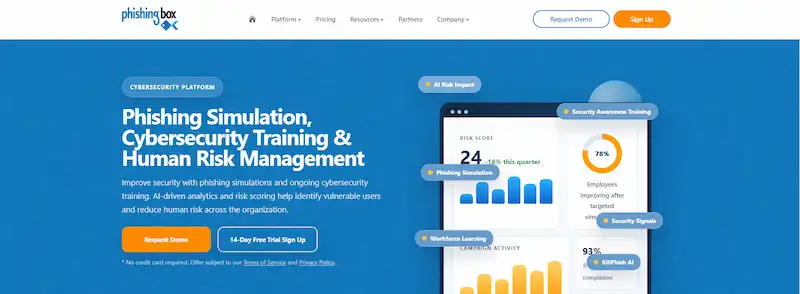
PhishingBox is a simplified, highly configurable security awareness platform that focuses on offering an easy-to-use, reasonably priced suite for automated employee training and phishing simulations.
a) Pros:
● Superior Template Customization,
● Intuitive Administrative Workflow, and
● Flexible Licensing & Pricing.
b) Cons:
● Narrower Content Variety,
● Less Automated "Hands-Off" Intelligence, and
● Scaling Friction for Massive Enterprises.
c) Key Features:
● KillPhish™ Plugin,
● Automated Remedial Enrollment, and
● LearningBox LMS Integration.9. Usecure uPhish:
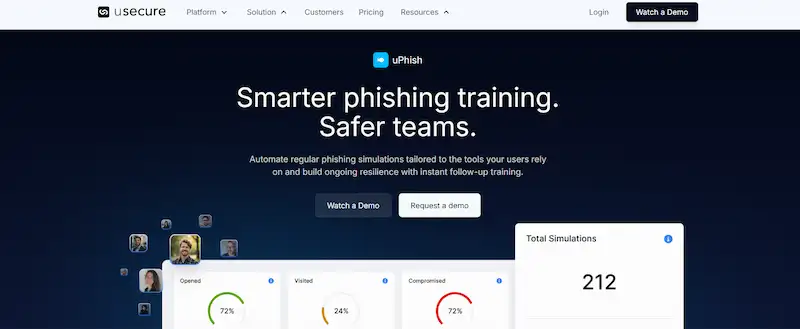
A cloud-based, automated phishing simulation software called uSecure uPhish is intended for quick implementation and "set-and-forget" human risk management.
a) Pros:
● Lightning-Fast Setup,
● "Set-and-Forget" Automation, and
● Excellent Localized Content.
b) Cons:
● Lighter Deep Reporting,
● Basic Course Builder, and
● Restricted External Testing.
c) Key Features:
● AutoPhish Engine,
● Instant Micro-Training, and
● Integrated Risk Scoring.10. Hook Security:
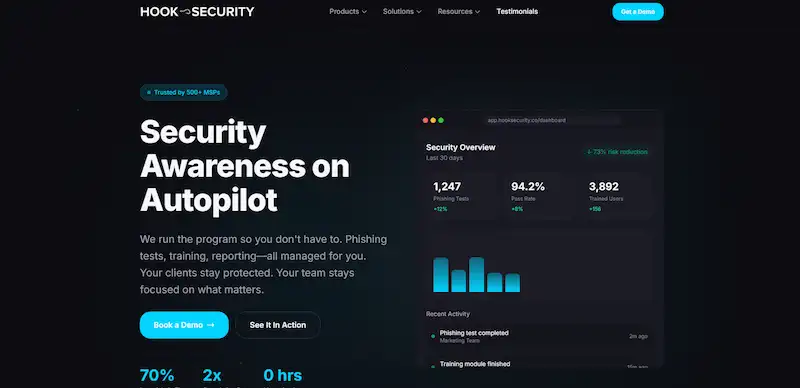
Hook Security is a security awareness platform that focuses on "Psychological Security" (PsySec). It uses "edutainment" and non-punitive, positive reinforcement to create a positive security culture without embarrassing staff members.
a) Pros:
● "Anti-Boring" Content,
● Psychological Approach (PsySec), and
● Easy White-Labeling.
b) Cons:
● Smaller Simulation Variety,
● Limited Advanced Technical Features, and
● Dashboard Simplicity.
c) Key Features:
● The "Hooked" Content Library,
● Instant "Painless" Feedback, and
● Deep MSP Focus.
When To Choose Which Phishing Simulation Tools?
You should choose certain phishing simulation tools in the following situations:
● PhishNext (Craw Security): If you own a company or are an individual and want to learn how to evade phishing attack attempts, you can choose this option.
● Choose by Admin Effort: For "zero-touch" automation, choose uSecure or Phished AI, or KnowBe4 if you have a dedicated administrator to handle deep libraries.
● Choose by Company Culture: Choose Infosec IQ for a more formal, scholarly tone or Hook Security for constructive "edutainment" to prevent employee discontent.
● Choose by Technical Strategy: Choose PhishNext for testing against state-of-the-art AI phishing lures or IRONSCALES for integrated AI mailbox defense and remediation.
● Choose by Organizational Size & Complexity: Choose Proofpoint SAT for worldwide enterprise-grade threat intelligence and VAP tracking, or Defendify for comprehensive SMB security.
● Choose by Risk & Compliance Goals: Choose PhishingBox for highly customized, custom-built simulation templates or Infosec IQ for NIST-mapped training routes.
How Do You Choose a Phishing Simulation Tool?
|
S.No. |
Factors |
How? |
|
1. |
AI-Driven Realism and Modern Vectors |
Give top priority to tools that imitate real AI-generated threats, deepfakes, and multi-channel attacks such as Quishing or Smishing. |
|
2. |
Automation vs. Admin Overhead |
Select feature-rich libraries if you have a dedicated security administrator, or "set-and-forget" AI platforms for lean teams. |
|
3. |
"Just-in-Time" Learning & Psychological Fit |
To maximize behavioral change, choose systems that offer immediate, non-punitive feedback as soon as a user clicks. |
|
4. |
Integration and Remediation Capabilities |
Instead of just simulating dangers, look for direct API connections that can "claw back" actual threats from inboxes. |
|
5. |
Actionable Human Risk Metrics |
Make sure the technology gives clear ROI statistics for board-level reporting and identifies your "Very Attacked People" (VAPs). |
Best Practices for Running Phishing Simulations Effectively
The following are the best practices for running phishing simulations effectively:
a) Prioritize Reporting Over Clicking: Instead of merely reducing the click rate to create a proactive defense, concentrate on raising the "Report Rate" with a one-click button.
b) Use "Just-in-Time" Micro-Learning: Provide pertinent, two-minute instruction as soon as a user misses a high-retention "teaching moment."
c) Vary Difficulty and Delivery (Staggering): To avoid "office warnings" and guarantee accurate outcomes, send distinct templates at random intervals throughout the week.
d) Simulate Modern, Multi-Channel Threats: Use high-risk 2026 vectors like AI-cloned speech (vishing), QR codes (quishing), and SMS (smishing) to test beyond ordinary email.
e) Maintain a Non-Punitive Culture: To keep staff members interested and inclined to report suspicious activities, present simulations as "brain training" rather than traps.
Frequently Asked Questions
About the Top 10 Best Phishing Simulation Tools In 2026
1. How do phishing simulations reduce security risk?
In the following ways, phishing simulations reduce security risks:
a) Conditions: Instinctive "Muscle Memory",
b) Shortens the "Detection Gap",
c) Identifies "Very Attacked People" (VAPs),
d) Validates Technical Security Gaps, and
e) Reduces the Cost of Breach Remediation.
2. How often should organizations run phishing simulations?
To maintain employee awareness without creating "training fatigue," organizations should preferably execute simulations at least once a month; however, high-risk departments might benefit from testing every two weeks.
3. What should a phishing simulation report include?
Click rates vs report rates, time-to-report metrics, the identification of Very Attacked People (VAP), and the completion status of remedial training to demonstrate behavioral improvement should all be included in a phishing simulation report.
4. Are AI-powered phishing simulations more effective?
Yes, AI-powered phishing simulations are far more successful than typical manual templates because they mimic the hyper-personalized, grammatically flawless, multi-channel (voice, SMS, and email) attacks employed by contemporary hackers, which may reach up to 4x higher click rates.
5. Can small companies run phishing simulations successfully?
Yes, small businesses can effectively conduct phishing simulations by utilizing Managed Service Providers (MSPs) or automated "set-and-forget" systems to reduce the administrative strain on their tiny IT team.
6. What makes open-source phishing tools valuable?
Because they provide complete technical modification and infrastructure control without requiring a license, open-source phishing tools are valuable because they enable red teams to create incredibly realistic simulations that exactly match their internal environment.
7. What should companies do when employees repeatedly fail simulations?
Companies should do the following tasks if employees repeatedly fail simulations:
a) Conduct a Root Cause Interview,
b) Implement Tiered Remediation,
c) Apply "Safe-Guarding" Technical Controls,
d) Involve Direct Management, and
e) Use "Positive Gamification".
8. Should phishing simulations mimic real attacker tactics?
In order to foster true resilience, simulations should imitate genuine strategies (such as brand impersonation and multi-channel attacks). However, in order to preserve employee trust and psychological safety, they must refrain from "cruel realism" that takes advantage of personal tragedy, health issues, or financial hardship.
|
Note: To get a stress-free working environment, you can go for a specially designed tool, “PhishNext,” which provides specialized simulations of phishing attacks so that users can get used to such attacks and never become victims of such attacks. |
Cybersecurity Insights
- Top 10 Best Phishing Simulation Tools In 2026
- Phishing Simulation: How It Works to Reduce Risk? | PhishNext
- What Is Phishing Simulation? Complete Guide for Businesses
- How to Identify a Phishing Website? | PhishNext
- What Is Open-Source Intelligence (OSINT)? | PhishNext
- Time Pressure is the Biggest Email Red Flag: Why?
- Phishing on Messaging Apps: How Attackers Use Teams, WhatsApp, SMS, and Slack?
- Phishing Attacks Are Imitating City & County Officials: FBI Alerted! | PhishNext
- Attackers Using LLMs to Create Phishing Pages in Real Time