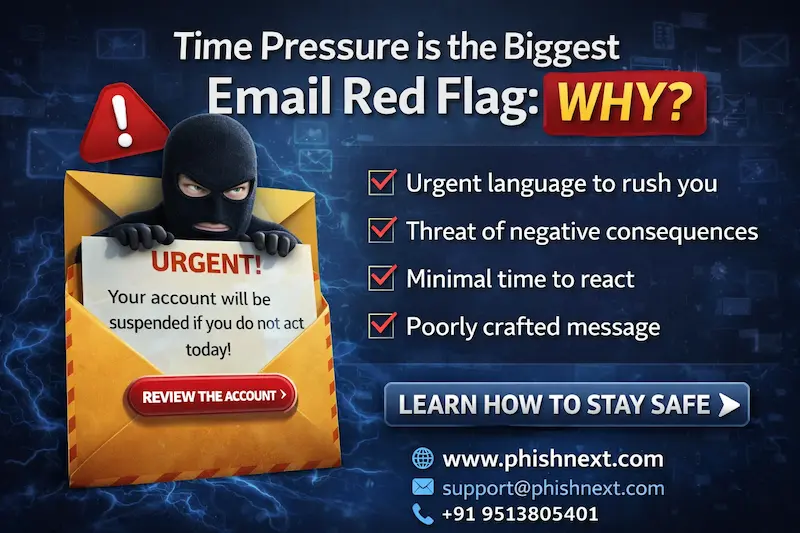
Time Pressure is the Biggest Email Red Flag: Why?
The traditional guidelines for identifying phishing emails are evolving. Do you recall searching for poor spelling and grammar? AI has made hackers' emails more sophisticated and difficult to identify.
However, according to a recent survey, the modern worker's most trustworthy warning sign for a cyberattack isn't a typo but rather a false sense of urgency.
The New Phishing Red Flag: Pressure to Act
According to analytics, 'pressure to act immediately' is now recognized by a startling 34% of individuals as the main warning sign of a bogus email. This psychological ploy has outperformed conventional markers such as:
● Unknown sender addresses (23%)
● Requests for sensitive information (23%)
● Poor spelling or grammar (20%)
AI has made it more difficult to identify hackers' communications, which are written flawlessly in any language. But their urge to persuade you to do something quickly is still the telltale indicator.
They intend to circumvent the very attentiveness that organizations have fought so hard to develop by fabricating a catastrophe. However, our data indicates that employees are aware of this; they now understand that if an email calls for a quick response, it should be suspicious right away.
The Internal Danger: There Is Email Anxiety
We should be concerned about more than simply external threats. Workers are also concerned about making easy but expensive mistakes.
When sending a business email, "sending to the wrong recipient" was cited by nearly half (44%) of employees as their top concern. Now, this small error is more concerning than a focused phishing attack (20%). 19% more people worry that they might unintentionally include private information in their emails.
How Can the Error Be Corrected?
People's work habits are already being altered by this "email anxiety." More than half (52%) of employees always double-check recipients and attachments to allay concerns about making a professional error. Remarkably, just 12% do the potentially more important step of looking for sensitive data.
In actuality, human intuition requires a digital safety net.
We can assist staff in avoiding the "Urgency Trap" and give them the assurance they need to prevent sensitive data from being delivered to the incorrect person by combining automatic safeguards with real-time security coaching.
We want to prevent errors from being sent out, not only to stop bad emails from arriving.
The good news is that employees are becoming more aware of security issues; only 6% of them currently disregard dubious emails. The proactive culture already exists; it only has to be supported with technology that eases people's mental burdens.
|
Note: To get a stress-free working environment, you can go for a specially designed tool, “PhishNext,” which provides specialized simulations of phishing attacks so that users can get used to such attacks and never become victims of such attacks. |
Must-Read Guides
- Top 10 Best Phishing Simulation Tools In 2026
- Phishing Simulation: How It Works to Reduce Risk? | PhishNext
- What Is Phishing Simulation? Complete Guide for Businesses
- How to Identify a Phishing Website? | PhishNext
- What Is Open-Source Intelligence (OSINT)? | PhishNext
- Time Pressure is the Biggest Email Red Flag: Why?
- Phishing on Messaging Apps: How Attackers Use Teams, WhatsApp, SMS, and Slack?
- Phishing Attacks Are Imitating City & County Officials: FBI Alerted! | PhishNext
- Attackers Using LLMs to Create Phishing Pages in Real Time