Top 10 Phishing Types and How to Prevent Them
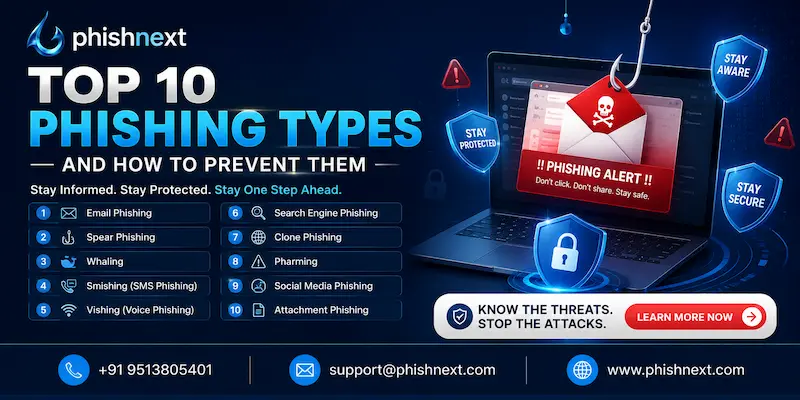
Do you know how phishing attacks work and how vicious they can be to victimize their victims? If not, then you are at the right place. Here, we will talk about the Top 10 Phishing Types, their nature, impacts, and prevention.
Moreover, we will introduce you to a reliable phish ing simulation platform offered by a reputable VAPT service provider. What are we waiting for? Let’s get started!
What Is Phishing?
Phishing is a dishonest cyberattack in which hackers pose as reputable organizations like banks, governmental organizations, or well-known brands in order to fool people into divulging private information like credit card numbers, passwords, or social security numbers.
These assaults, which are usually carried out via phony emails, texts, or malicious websites, take advantage of human psychology and urgency rather than technological flaws to get past security measures.
In the end, it continues to be one of the most common and harmful techniques used worldwide to start identity theft, financial fraud, and data breaches. Let’s take a look at the Top 10 Phishing Types and how to protect yourself against them!
Why Phishing Attacks Are Increasing in 2026?
|
S.No. |
Factors |
Why? |
|
1. |
Weaponization of Generative AI |
Threat actors utilize sophisticated AI to quickly create faultless, convincing, and error-free phishing lures on a large scale. |
|
2. |
Hyper-Personalization and Open-Source Intelligence |
Scrapers automatically craft incredibly convincing assaults aimed at certain people by mining public social media data. |
|
3. |
The Rise of Multimedia Deepfakes |
Scammers use real-time video and audio clones of executives to fool staff members into approving wire transfers during virtual meetings. |
|
4. |
Bypassing Traditional Defenses with "Quishing" and CAPTCHA |
Attackers use phony verification pages and QR codes to conceal harmful URLs that are unreadable by outdated email filters. |
|
5. |
Industrialization via Phishing-as-a-Service (PhaaS) |
Even inexperienced thieves can launch sophisticated enterprise campaigns thanks to pre-packaged phishing kits available on the dark web. |
How Phishing Works: Common Tactics Used by Cybercriminals
In the following ways, phishing works:
a) Psychological Manipulation (Social Engineering): Attackers take advantage of human emotions like fear, haste, or curiosity to fool victims into acting rashly.
b) Spoofing and Domain Mimicry: To perfectly spoof reputable companies, cybercriminals register fraudulent domains (like wellsfarg0.com) and falsify email headers.
c) Malicious Hyperlinks and Attachments: Phishing emails attach corrupted files that appear to be legitimate invoices or shipping papers, or they contain hidden links to malware.
d) Credential Harvesting Sites: In order to quickly obtain their usernames and passwords, victims are instructed to replicate landing pages that resemble authentic login gateways.
e) Obfuscation and Evasion Techniques: Hackers circumvent automated email security filters by using URL shorteners, encrypted code, and graphics in place of text.
Top 10 Types of Phishing Attacks
The following are the Top 10 Types of Phishing Attacks:
1. Email Phishing: Email phishing is a fraudulent technique in which fraudsters send false emails posing as reputable companies in an attempt to fool recipients into disclosing private information, opening harmful links, or installing malware.
a) How Email Phishing Works?
● Planning and Target Selection,
● Crafting the Bait,
● Bypassing Security Filters,
● The Bait Click, and
● Exploitation and Theft.
b) Common Warning Signs:
● High-Urgency or Threatening Language,
● Suspicious Sender Address,
● Generic Greetings and Poor Grammar,
● Mismatched or Hidden Hyperlinks, and
● Requests for Sensitive Personal Information.
c) How to Prevent Email Phishing?
● Verify the Sender's Identity Directly,
● Enable Multi-Factor Authentication (MFA),
● Deploy Advanced Email Security Filters,
● Think Before You Click or Download, and
● Conduct Regular Security Awareness Training.
2. Spear Phishing: Spear phishing is a highly focused cyberattack in which hackers investigate a particular person or organization in order to create a convincing, highly tailored message intended to steal passwords or sensitive data.
a) What Makes Spear Phishing Different? Spear phishing is a highly customized attack that targets a specific person or organization, utilizing obtained background information to maximize credibility, in contrast to generic phishing, which sends a broad message to thousands of random victims.
b) Real-World Examples:
● The Ubiquiti Networks Wire Fraud,
● The Sony Pictures Mega-Breach, and
● The Anthem Data Breach.
c) Prevention Tips for Spear Phishing:
● Practice Strict Social Media Discretion,
● Implement Strict Out-of-Band Verification,
● Deploy Behavioral AI Email Security,
● Enforce Custom Email Banner Alerts, and
● Utilize Hardware-Based MFA (FIDO2/WebAuthn).
3. Whaling Attacks: A whaling assault is a highly focused type of spear phishing that targets prominent individuals, such as CEOs, CFOs, or board members, in an attempt to trick them into approving large money transfers or disclosing vital company information.
a) Who Is Targeted in Whaling?
● Chief Executive Officers (CEOs),
● Chief Financial Officers (CFOs) and Finance Directors,
● Chief Information Security Officers (CISOs) and IT Executives,
● Chief Legal Officers (CLOs) and General Counsels, and
● Executive Assistants (EAs).
b) Risks for Businesses and Executives:
● Massive Financial Losses,
● Severe Intellectual Property Theft,
● Devastating Corporate and Personal Reputational Damage,
● C-Suite Identity Theft and Deepfake Impersonation, and
● Extensive Legal, Regulatory, and Compliance Penalties.
c) Best Prevention Methods:
● Implement Strict Dual-Authorization Policies,
● Conduct Dedicated Executive Phishing Simulations,
● Enforce Strict Social Media and PR Guidelines,
● Implement External Email Flaggers and Domain Protection, and
● Deploy AI-Powered Identity and Behavioral Analytics.
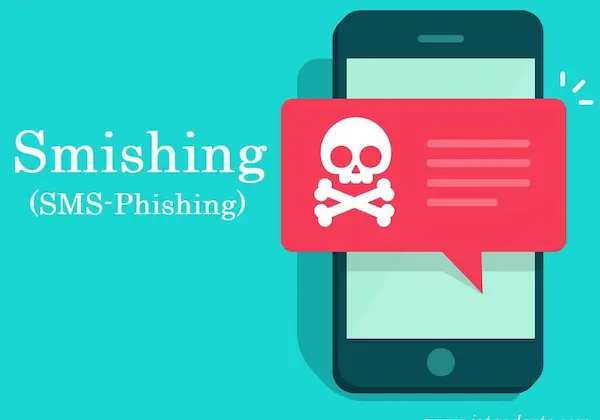
4. Smishing (SMS Phishing): Smishing is a type of phishing in which fraudsters send phony text messages to mobile devices in an attempt to fool victims into installing malware, clicking on harmful links, or disclosing personal information.
a) How Smishing Attacks Work?
● Sourcing Mobile Phone Numbers,
● Creating a High-Urgency Lure,
● Spoofing the Sender ID,
● Directing Victims to Fraudulent Links, and
● Stealing Data or Deploying Malware.
b) Fake Delivery and Banking Messages: Smishing techniques that take advantage of a victim's fear of a compromised bank account or an undelivered parcel to deceive them into clicking on bogus tracking or login links include fake delivery and banking messages.
c) How to Stay Safe from Smishing?
● Never Click Links in Unexpected Texts,
● Do Not Reply to Spam Messages,
● Copy and Paste Numbers to a Search Engine,
● Enable Built-In Spam Blocking Features, and
● Forward Scams to 7726.
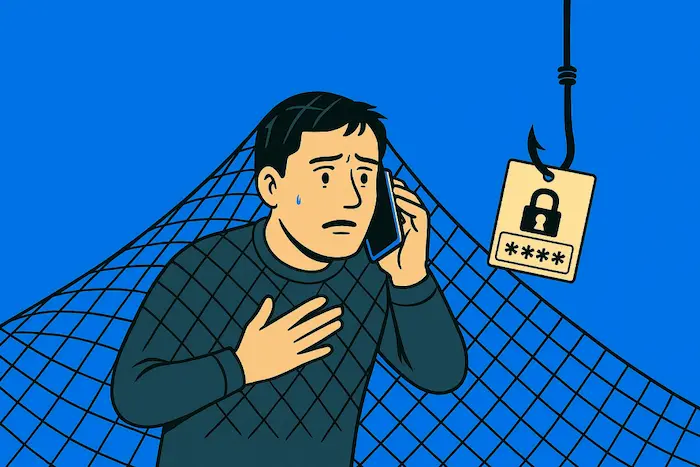
5. Vishing (Voice Phishing): Vishing is a fraudulent phone scam in which hackers utilize voice calls, frequently posing as reputable companies, to trick victims into disclosing private or sensitive financial information.
a) Common Phone Scam Techniques:
● Caller ID Spoofing,
● The "Problem/Emergency" Hook,
● Impersonation of Authority Figures,
● AI Voice Deepfakes, and
● Interactive Voice Response (IVR) Spoofing.
b) Caller ID Spoofing Explained: Caller ID spoofing is a deception technique in which con artists utilize web-based phone services to purposefully change the transmitted caller ID information so that an incoming call appears on the victim's screen as a reliable local number, bank, or government institution.
c) Tips to Avoid Voice Phishing Scams:
● Adopt a "Hang Up and Call Back" Rule,
● Be Wary of Extreme Urgency and Threats,
● Establish a Secret Family Passphrase,
● Never Share One-Time PINs or Passwords, and
● Let Unknown Numbers Go to Voicemail.
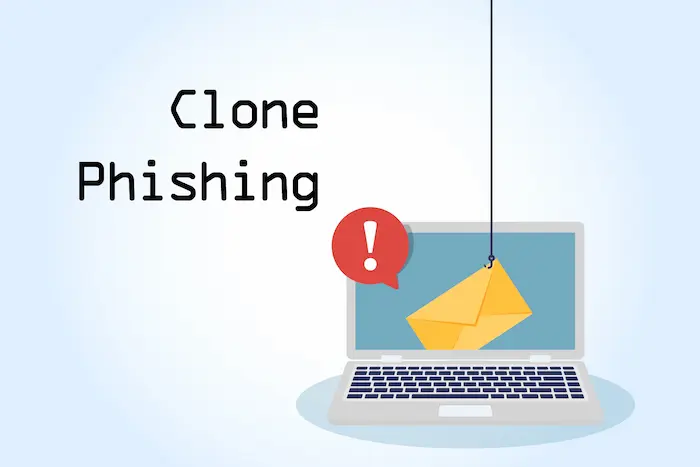
6. Clone Phishing: A cyberattack known as "clone phishing" occurs when a con artist takes a genuine, previously sent email with an attachment or link, makes a nearly identical copy (the "clone"), and substitutes a malicious file or link for the safe one before sending it from a spoof or look-alike email account.
a) How Attackers Duplicate Legitimate Emails?
● Harvesting Original Emails,
● Injecting Malicious Payloads,
● Creating Look-Alike Domains (Typosquatting),
● Cloning Digital Signatures and Layouts, and
● Exploiting Historical Context.
b) Prevention Strategies:
● Meticulously inspect the Sender's Full Address,
● Deploy DMARC, DKIM, and SPF Protocols,
● Verify "Updated" or "Resent" Requests Separately,
● Hover Over Every Link Before Clicking, and
● Use Cloud-Based Sandbox Tools for Attachments.
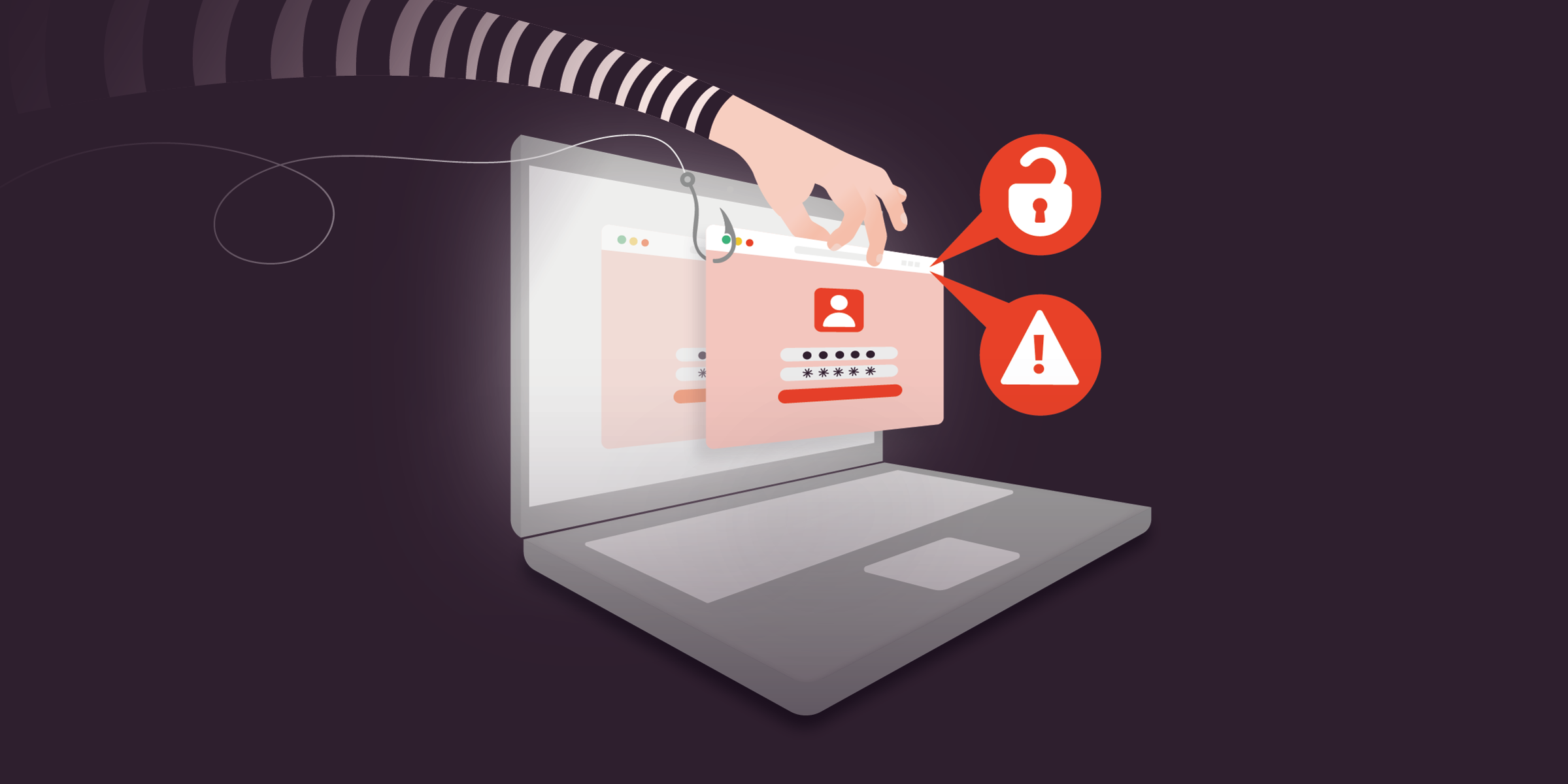
7. Pharming Attacks: Pharming is a sort of cyberattack in which hackers deliberately take control of website traffic, rerouting users to a fraudulent website even when they entered the correct web URL into their browser.
a) How Pharming Redirects Users to Fake Websites?
● DNS Cache Poisoning (Server-Side),
● Modifying the Local Hosts File (Client-Side),
● Home Router Hijacking,
● Man-in-the-Middle (MitM) Attacks, and
● Exploiting Vulnerabilities in Local DNS Clients.
b) DNS Poisoning Explained: A cyberattack known as "DNS poisoning" occurs when hackers insert malicious routing data into the cache of a Domain Name System (DNS) server, causing it to mistakenly convert a valid web address into a malicious IP address and stealthily reroute unsuspecting users to a phony website.
c) Ways to Protect Against Pharming:
● Always Verify HTTPS and SSL Certificates,
● Use a Reputable, Secure DNS Provider,
● Secure and Update Your Wi-Fi Router,
● Keep Robust Antivirus and Anti-Malware Software Active, and
● Utilize a Virtual Private Network (VPN).
8. Social Media Phishing: Social media phishing is a type of hack in which con artists use websites such as Facebook, LinkedIn, Instagram, or X to deceive users into disclosing private information, clicking on dangerous links, or downloading malware by using phony posts, direct messages, or look-alike accounts.
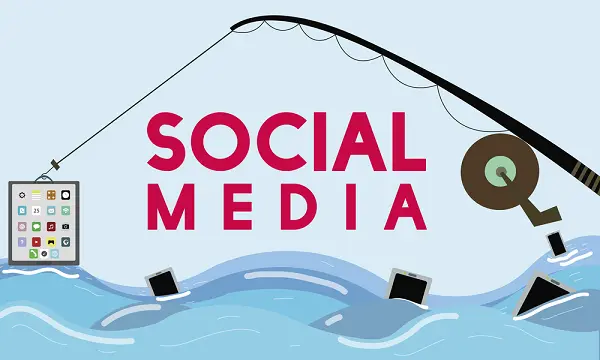
a) Fake Profiles and Malicious Links: In social media phishing, attackers create extremely realistic clone accounts to earn a user's trust before sending malicious links intended to steal login credentials or infect devices with malware. These deceptive tactics include fake profiles and malicious links.
b) Risks on Popular Platforms:
● Customer Support Impersonation (X & Facebook),
● Fake Job Offers (LinkedIn),
● Urgent "Is This You?" Video Scams (Messenger & Instagram),
● Hijacked Influencer Giveaways (TikTok & Instagram), and
● Malicious Third-Party Quizzes and Apps (Facebook).
c) How to Prevent Social Media Scams?
● Treat Unexpected Direct Messages (DMs) with Extreme Skepticism,
● Enable Two-Factor Authentication (2FA) via Authenticator Apps,
● Lock Down Your Privacy and Audience Settings,
● Verify "Official" Accounts and Recruiters Directly, and
● Audit and Revoke Third-Party App Permissions.
9. Angler Phishing: Angler phishing is a particular kind of social media fraud in which perpetrators pose as customer support representatives from reputable businesses in order to intercept irate customers who are commenting about a service problem in public.
a) Customer Support Impersonation Scams: Customer support impersonation is a scam in which con artists pretend to be genuine help-desk representatives by phone, email, or social media in order to intercept customers who are having problems with their accounts and fool them into disclosing private login or financial information.
b) How Attackers Exploit Brand Trust?
● Weaponizing Customer Frustration,
● Exploiting Corporate Bureaucracy,
● Mimicking Visual and Verbal Identity,
● Creating Domain and Handling Illusions, and
● Manipulating Search Engine Optimization (SEO).
c) Protection Tips for Users and Businesses:
● Verify Account Handles and Look for Verified Badges,
● Put proactive brand monitoring and social listening into practice,
● Make Contact Only via the Official Website or App,
● Teach Clients About Communication Protocols, and
● Make the switch to authenticated, secure messaging channels.
10. Search Engine Phishing: Search engine phishing is a cyberattack in which con artists purchase sponsored ads or alter Search Engine Optimization (SEO) to position phony, harmful websites at the top of search engine results, deceiving people into clicking on them and divulging personal information.
a) Fake Websites in Search Results: Fake websites in search results are false pages made by con artists that imitate reputable companies and are purposefully positioned at the top of search listings using paid advertisements or search engine optimization to trick consumers into entering financial information or login credentials.
b) SEO Poisoning Techniques:
● Keyword Stuffing,
● Link Farming, and
● Exploiting Website Vulnerabilities.
c) How to Identify Safe Websites?
● Examine the entire URL domain extension,
● Check the SSL certificate and HTTPS connection,
● Check for poor visual layouts and grammatical errors,
● Use WHOIS Lookup to verify the creation date, and
● Seek out a genuine "Contact Us" and physical address.
Key Warning Signs of a Phishing Attempt
|
S.No. |
Signs |
What? |
|
1. |
Artificial Urgency and High-Pressure Tactics |
Intimidating you into doing without thinking by threatening to suspend your account or take legal action. |
|
2. |
Mismatched, Misspelled, or Unusual Sender Addresses |
Using random character sequences or lookalike domains that don't correspond to the business they purport to represent. |
|
3. |
Generic Greetings and Vague Requests |
Using general statements concerning "irregular activity" on your account, along with impersonal openers like "Dear Customer." |
|
4. |
Suspicious Links and Hyperlink Mismatches |
Displaying a single URL while the destination link, which may be found by hovering over it, leads to a completely different, unreliable domain. |
|
5. |
Requests for Personal, Financial, or Credentials Data |
Requesting passwords, PINs, social security numbers, or complete credit card information in a straight response. |
Best Practices to Prevent Phishing Attacks
The following are the best practices to prevent phishing attacks:
● Implement FIDO2/WebAuthn Hardware Security Keys: Use physical keys (such as YubiKeys) that only authenticate on valid, confirmed domains to prevent phishing.
● Master the "Hover and Verify" Link Technique: Before clicking, pause and move your cursor over each hyperlink to make sure the destination URL actually matches the desired domain.
● Deploy a Password Manager with Auto-Fill Protections: Make use of software that enters credentials automatically because it will naturally refuse to enter your information on a phishing site that is phony or seems similar.
● Keep Software, Browsers, and Operating Systems Patched: Update all digital tools on a regular basis to fix security flaws that hackers use to covertly spread phishing software.
● Adopt a Zero-Trust Communication Mindset: Every unsolicited email, text, or direct message should be viewed with suspicion. Before replying, confirm requests via different official channels.
Future Trends in Phishing and Cybersecurity
The following are the future trends in phishing and cybersecurity:
a) Hyper-Personalized AI Generation at Scale: AI rapidly creates perfect, highly customized phishing lures for millions of targets at once.
b) Multi-Channel Deepfake Exploits: Attackers resemble business officials flawlessly by combining written scams with synthetic video and copied voices.
c) The Explosion of "Quishing" (QR Code Phishing): Malicious QR codes evade conventional email security filters by concealing harmful links within photos.
d) Bypassing Traditional MFA via Adversary-in-the-Middle (AiTM): Real-time session cookie theft by proxy servers renders typical two-factor authentication methods utterly ineffective.
e) Autonomous Polymorphic Malware & Prompt Injection: Next-generation malware takes advantage of holes in enterprise AI models and rewrites its own code to avoid detection by antivirus software.
Conclusion
Now that we have talked about the Top 10 Phishing Types, you might be wondering if phishing attacks are so vicious that you would be able to evade them in time to protect yourself. For that, you can go for Phish Next, a dedicated phishing simulation platform offered by Craw Security.
On this platform, the practitioners are actually able to confront real-life-like phishing attack simulations. This helps them to be prepared for future unknown phishing scams. What are you waiting for? Contact, Now!
Frequently Asked Questions
About Top 10 Phishing Types
1. What is email phishing?
Email phishing is a type of cyberattack in which con artists send phony emails that appear to be from reputable companies in an attempt to fool recipients into divulging private information, opening harmful links, or downloading malware.
2. How does spear phishing target individuals?
Spear Phishing targets individuals in the following ways:
a) Exhaustive Open-Source Intelligence (OSINT) Gathering,
b) Impersonating Trusted Contacts and Colleagues,
c) Crafting Contextually Relevant Subject Matter,
d) Exploiting Established Workplace Workflows, and
e) Leveraging Hyper-Targeted Psychological Triggers.
3. What is a whaling attack in cybersecurity?
The goal of a whaling attack, a highly focused type of spear phishing, is to steal significant financial assets or highly classified company data from prominent leaders, such as CEOs, CFOs, or board members.
4. How does smishing work on mobile devices?
Smishing works on mobile devices in the following ways:
a) Exploiting the High Open-Rate Bias,
b) Masking Identity via Caller ID Spoofing and Alpha Tags,
c) Hiding Malicious Links with URL Shorteners,
d) Leveraging Mobile UI Display Limitations, and
e) Impersonating Urgent, High-Volume Mobile Services.
5. What is vishing, and how do scammers use phone calls?
Vishing, also known as voice phishing, is a type of cyberattack in which con artists pose as trusted authorities, such as bank employees, government agents, or tech support, using phone calls, voice manipulation, or caller ID spoofing to fool victims into disclosing private or sensitive financial information.
6. How does clone phishing differ from regular phishing?
Clone phishing is different from conventional phishing in that it takes an actual, previously sent email with an attachment or link, copies it verbatim, and then replaces the original file or URL with a malicious version before sending it from a spoofed address.
7. What is pharming, and how does it redirect users?
Pharming is a cyberattack that, by manipulating local host files on the victim's device or modifying DNS server data, secretly reroutes users to a false website even when they enter the proper web address.
8. How do social media phishing scams trick users?
Social media phishing scams trick users in the following ways:
a) Impersonating Trusted Friends via Compromised Accounts,
b) Creating Fake "Customer Support" Angler Accounts,
c) Weaponizing Viral Quizzes and Profile Trackers,
d) Exploiting FOMO through Fake Giveaways and Celebrity Impersonation, and
e) Using Highly Targetable Social Ads for Fraudulent E-Commerce.
9. What is angler phishing in customer support scams?
Angler phishing is a customer service fraud in which cybercriminals set up phony social media profiles that imitate reputable companies. They then monitor public complaints to intercept irate individuals and deceive them into disclosing financial information or account passwords under the pretense of assisting them.
10. How does search engine phishing target online users?
Search engine phishing targets online users in the following ways:
a) Weaponizing Paid Search Advertisements,
b) Exploiting Typos and High-Volume "Help Desk" Searches,
c) Hijacking Traffic via SEO Poisoning Tactics,
d) Deploying E-Commerce "Too Good to Be True" Fronts, and
e) Serving Malicious Software via Direct Download Links.
Read More:
What is a browser-in-the-browser (BitB) attack?